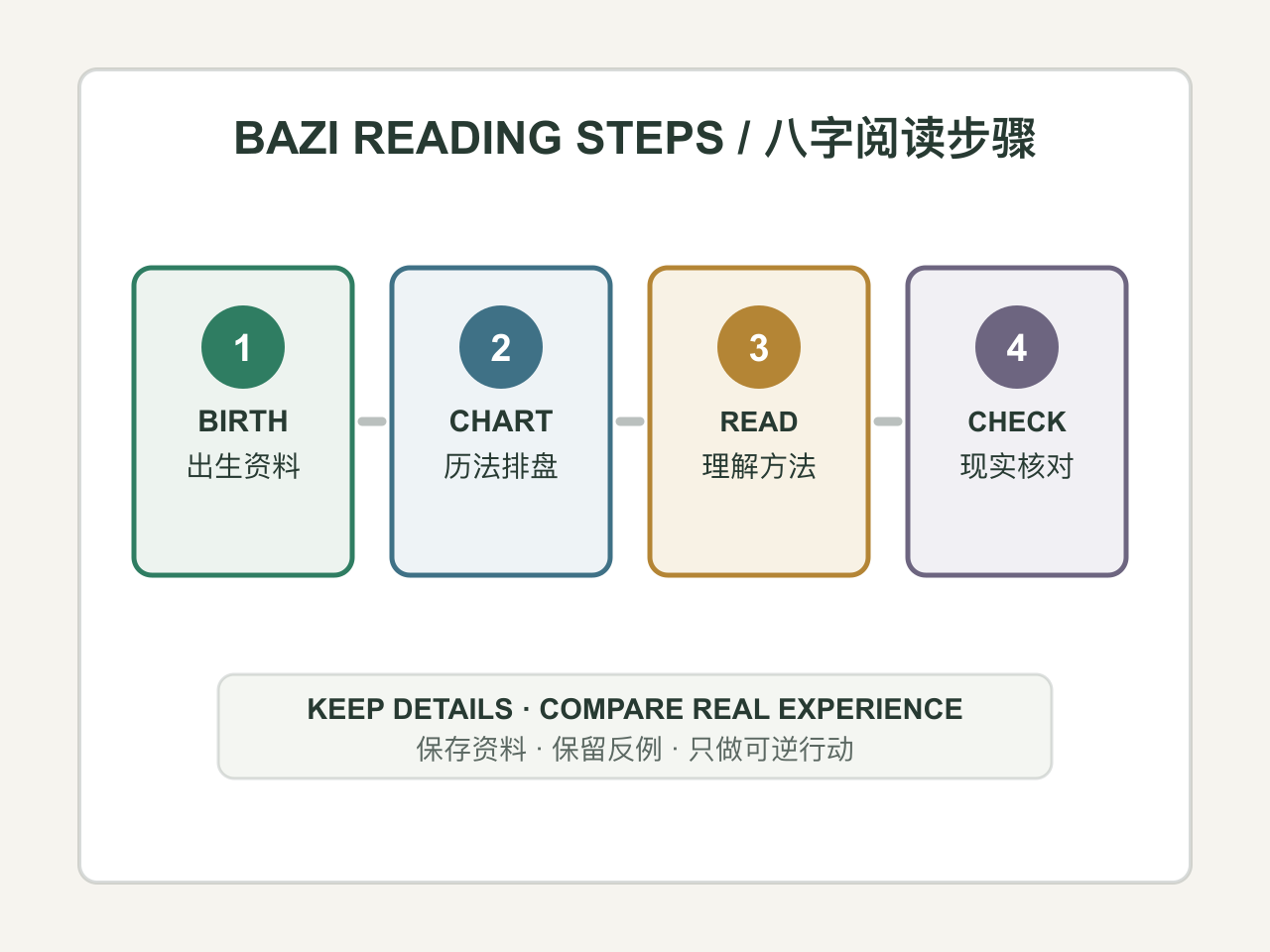
What you need before you start
Before starting, confirm that dates, times, and other details are accurate, and note which items are required or optional. Do not replace missing required information with a guess.
Question or situation
type in required
Defines the decision or situation that the result should address.
Example: Describe the decision or situation
What to enter: Remove accidental extra spaces and enter only the information requested.
If you leave it out: The tool cannot produce a reliable result without this required value.
Reading date
date optional
Sets the date used to construct this event-specific reading.
Example: Optional
What to enter: Use a valid calendar date that is not in the future.
If you leave it out: The tool will continue with reduced detail and will not infer the missing value.
Reading time
time optional
Sets the time used to construct this event-specific reading.
Example: Optional
What to enter: Use a valid local time; leave it blank only when this item is optional.
If you leave it out: The tool will continue with reduced detail and will not infer the missing value.